

Available Webhooks
Each webhook can be configured with a callback URL where you will receive the event payloads.
When each one is sent
For a motor policy you can expect three calls:
The last two usually arrive seconds apart. If the insurer has not rendered the documents yet, the policy is still issued and the Document Update follows a few minutes later.
There is no separate notification for payment. A successful payment is reported by
purchased_at on the Status Update that carries status: 1.
Policy status
Webhook Security
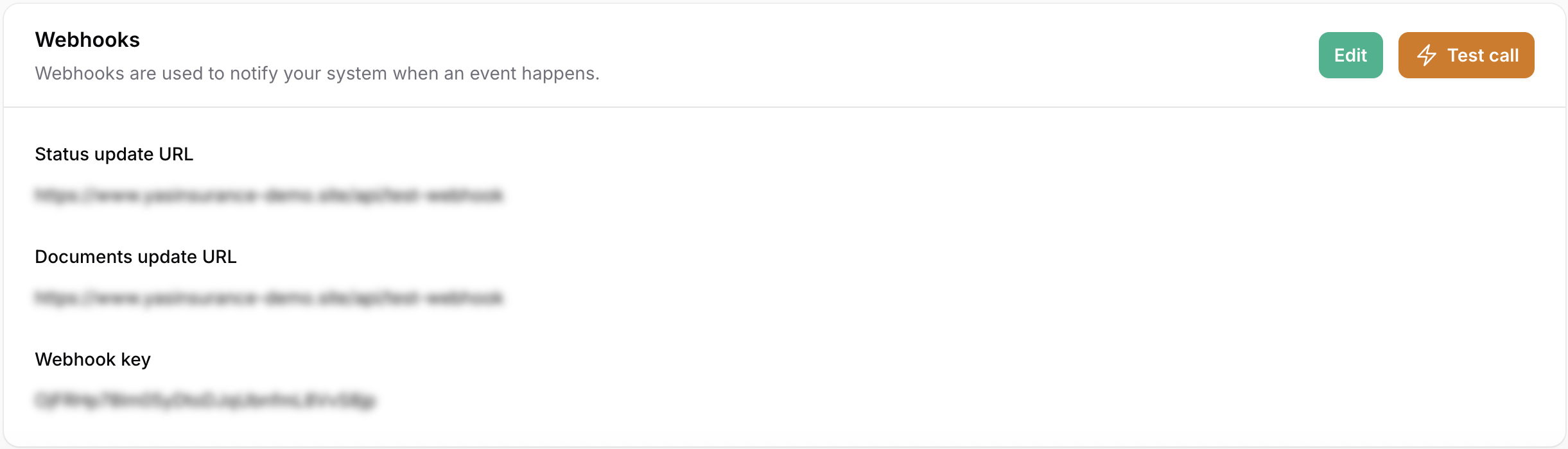
To ensure the authenticity of incoming requests, Yasmina includes a Webhook Key in the header of every webhook request.- Header:
x-webhook-url - How to get it: You can generate and manage your Webhook Key by clicking Edit and the refresh icon in the Webhook key field
x-webhook-url header.
Make sure to validate this key in your endpoint handler to confirm that the request originated from Yasmina.
Testing the webhook
Yasmina allows you to test your Webhook instantly. Simply Click on “Test call”. The test call sends a real policy of yours, with the same headers and the same body as a live notification.Delivery and retries
Reply with any2xx once you have accepted the notification.
- A
4xxis treated as a permanent rejection. We log it and do not try again. - A
5xx, a timeout or a connection failure is retried up to four times, waiting one minute, then five minutes, then one hour.
Payload Structure
Webhook requests are sent asPOST requests with a JSON body. The policy sits under a policy key:
policy is exactly the one the matching API returns for that product — for motor, the response of Show policy. You can use one parser for both, unwrapping policy on the webhook.
A comprehensive motor policy that has been paid for and issued:
status: 1, provider_policy_id (the insurer’s own policy number), and purchased_at. Use meta_data.quote_request_id to tie the policy back to your own record.
provider_policy_id is free text. Insurers use their own formats and many are not numeric, so store it as a string.
policy_url and invoice_url are links to object storage. Download the file rather than keeping the link, and do not hardcode the host.